

Industries · Security Companies

Security operations, from the schedule to the client report.

Officers, sites, coverage, post instructions, reports, incidents and client access share one record, so supervisors can follow a shift from the schedule to the approved report.

Security tools are included on Workforce Advanced and Expert. They stay switched off for other companies.

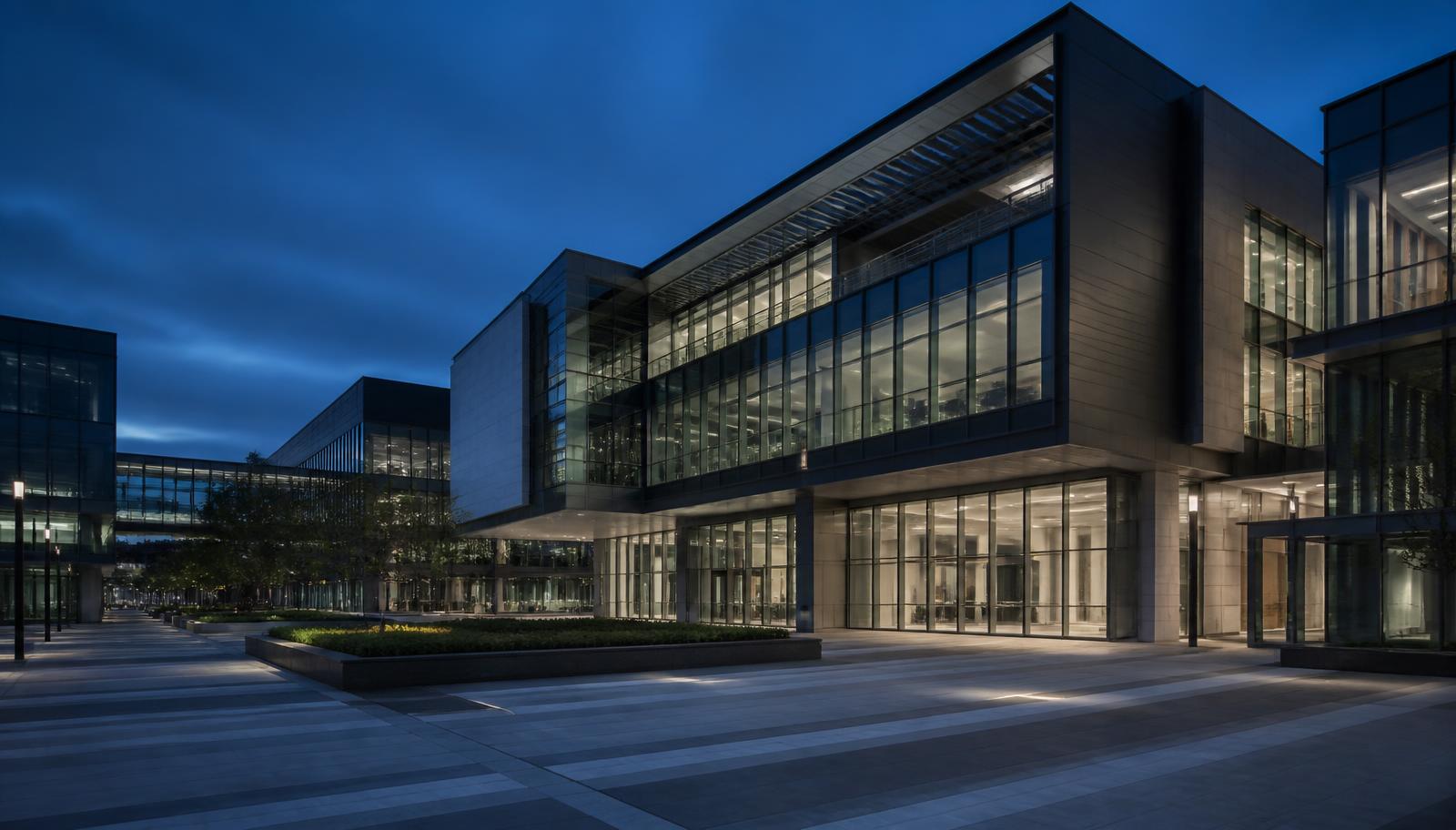
Corporate campus at dusk, the kind of site a contracted guarding team covers

Sites and Clients

Sites with or without a contracted client.

Every post belongs to a site. A site can stand alone or be linked to a client, and linking a client never opens the site's records to them by itself.

  • Sites keep their address, arrival radius and clock-in settings
  • Link, change or remove a client without losing the site's history
  • Client access is granted site by site, on purpose
  • Each change of client is kept in the site's history

Sites · Northgate Security

  • Harbor TowerClient: Meridian PropertyClient access on
  • Westfield DepotClient: Larch LogisticsAccess not granted
  • Head officeNo clientInternal site

Officer Scheduling and Coverage

See the gap before it becomes a missed post.

Officers are scheduled to sites with the same tools every Bastrion company uses, with coverage, qualifications and acknowledgment on top.

  • Coverage separates positions planned, assigned and actually clocked in
  • Open shifts offered to eligible officers, who claim them without double booking
  • Licenses and training checked across the whole shift before an officer is assigned
  • A lapsed qualification flags future shifts for review instead of silently unassigning
  • Officers confirm their shifts and are asked again when a shift changes

Coverage · Tonight

  • Harbor Tower · Lobby2 planned · 2 assigned2 clocked in
  • Westfield Depot · Gate2 planned · 1 assigned1 open
  • Riverside Mall · Patrol1 planned · 1 assignedStarts 22:00

Post Instructions

Post orders that never change behind anyone's back.

Site instructions are versioned. Officers acknowledge the exact version they read, and earlier versions stay on record.

  • Publishing a new version asks officers to read and acknowledge it again
  • Published versions cannot be edited, only replaced by a new one
  • You decide whether an unread version blocks anything; by default nothing is blocked

Post Orders · Harbor Tower

  • Version 4Published Nov 2 · Visitor sign-in updateCurrent
  • Version 3Published Sep 14Kept on record
  • Acknowledged9 of 11 officers on version 42 waiting

Shift Reports, Handovers and Incidents

Written on the shift, while the detail is still fresh.

Officers capture notes, handovers and incidents from their phone during the shift, using the report templates your company sets.

Shift reports

Timestamped notes during the shift, structured by your report templates.

Handovers

Issues, visitors, keys and tasks passed to the next officer, who acknowledges them. Acknowledging never claims a key was physically received unless the officer says so.

Incidents

Photos and evidence attached to the incident, with the officer and time recorded. Photos keep uploading when signal returns.

Incident follow-up

Owners, priority, due dates, tasks, resolution and reopening, tracked separately from review.

Officers see their own sites

Handovers are visible to the site's managers and officers working there around the shift.

Kept apart on purpose

Reviewed, resolved, task done and released to the client never imply each other.

Supervisor Review

Return with a reason, approve, then release.

Supervisors approve reports or return them with a written reason. The officer corrects the report and both versions remain part of the record.

  • Every review decision carries a name and a time
  • Corrections keep the original wording on record for staff
  • Nothing reaches a client before it is approved and released

Review Queue

  • Night report · Harbor TowerSubmitted 06:12 by J. OkaforWaiting
  • Incident · Westfield DepotReturned: add the vehicle plateReturned
  • Day report · Riverside MallApproved by A. LindqvistReleased

Client Portal

Clients read the finished record, for their own sites.

Contracted clients sign in to see what has been approved and released for the sites they are granted. Internal work stays internal.

  • Approved reports and released incidents, with approved follow-up updates
  • Reviewed service summaries, published as versions (Workforce Expert)
  • Conversations with your team; internal notes are never shown to the client
  • Review notes, correction history and AI suggestions are removed before anything reaches a client

Client Portal · Meridian Property

  • October service summaryVersion 2 · ReviewedPublished
  • Incident · Lobby door forcedFollow-up update approvedReleased
  • Night report · Nov 8Approved 07:40Released

Verified Security AI

It suggests. A supervisor decides.

AI never approves, releases or changes a record on its own. The AI trail is visible to your staff reviewers only, never to clients.

  • Report Writing Help

    Clearer wording that keeps the officer's facts. The officer decides whether to use it.

    Available · Advanced and Expert
  • Report Checks

    Background checks for missing details, flagged for a supervisor to review.

    Available · Advanced and Expert
  • Company Writing Rules

    Your own rules for how reports should read, applied by the checks.

    Available · Expert
  • Client Summary Drafts

    A first draft of a service summary from approved, released records, reviewed before it is published.

    Available · Expert

AI features use a monthly allowance set by your plan.

Contract Types

Built around the contracts you already hold.

Commercial and Corporate

Lobbies, campuses and multi-tenant portfolios where the property manager expects a report before asking for one.

  • Site rosters with named officers and versioned post orders
  • Reviewed service summaries released to the client portal
  • Visitors, access issues and keys passed down in shift handovers
  • License and training checked before an officer is assigned

Industrial and Logistics

Gatehouses, yards and perimeters running around the clock, often on remote sites with weak signal.

  • Location-checked clock-in and clock-out tied to the site
  • Report photos that keep uploading when signal returns
  • Uncovered shifts and missing clock-outs raised for supervisors
  • Incidents reviewed by a supervisor before they reach the client

Events and Venues

Short deployments with larger teams, held to the same reporting standard as permanent contracts.

  • Open shifts offered to eligible officers who claim them
  • Personal invitations for temporary staff, never shared logins
  • Incidents with time and photos captured on the spot
  • Weekly or monthly summaries reviewed before the client sees them

Residential and Retail

Many small posts across buildings and store portfolios, with a lean back office.

  • Shared report templates across every site you cover
  • One client portal per client, limited to the sites they are granted
  • Scheduled and recorded hours side by side on timesheets
  • A readiness view of who can be scheduled this week

Three Places, One Record

Each person sees the part they are accountable for.

Company Workspace

Officers, supervisors and administrators capture, review and manage the operation.

Client Portal

Contracted clients read approved reports, released incidents and reviewed summaries for their own sites.

Platform Console

Bastrion staff oversee company accounts and support without casually touching operational content.

Questions

What security teams ask first.

Other industries and team types
Do we still get the normal scheduling and timekeeping?

Yes. Security companies use the same scheduling, clock-in, time review and approved-hours export as every Bastrion company, with officer and site wording and the field tools on top.

Can our clients log in?

Yes. Each client organization gets portal accounts limited to the sites you grant, showing approved reports, released incidents, published summaries and conversations with your team.

Can clients see internal review activity?

No. Review notes, correction history, AI suggestions and internal notes are removed before anything reaches the client portal.

Can reports be corrected after submission?

Yes. A supervisor returns the report with a written reason, the officer corrects it, and both the original and the correction remain part of the record.

Can we track licenses and training?

Yes. Qualifications are tracked with expiry dates and checked for the whole shift before an officer is assigned. If one lapses, future shifts are flagged for review rather than silently changed.

Which plans include the security tools?

Workforce Advanced and Expert. Client service summaries, company writing rules and escalation rules are on Expert. Companies that do not run guarding contracts never see these tools.

Bring us your hardest contract.

We will walk the platform against your real sites, posts and post orders, and show the same shift recorded, reviewed and released.

Free for up to 10 active employees. Already have access? Sign in